The day-to-day problem
Home details, maintenance notes, important documents, and dates can end up scattered across inboxes and folders.
How StayLedger helps
Keep property information, repair history, documents, expenses, and important dates together so you can review the record while away.
Product demonstration
See the workspace and how a record moves through it.
Explore the property dashboard, details, maintenance, financial summaries, and owner updates. Reports use owner-entered records; they are not verified accounting.
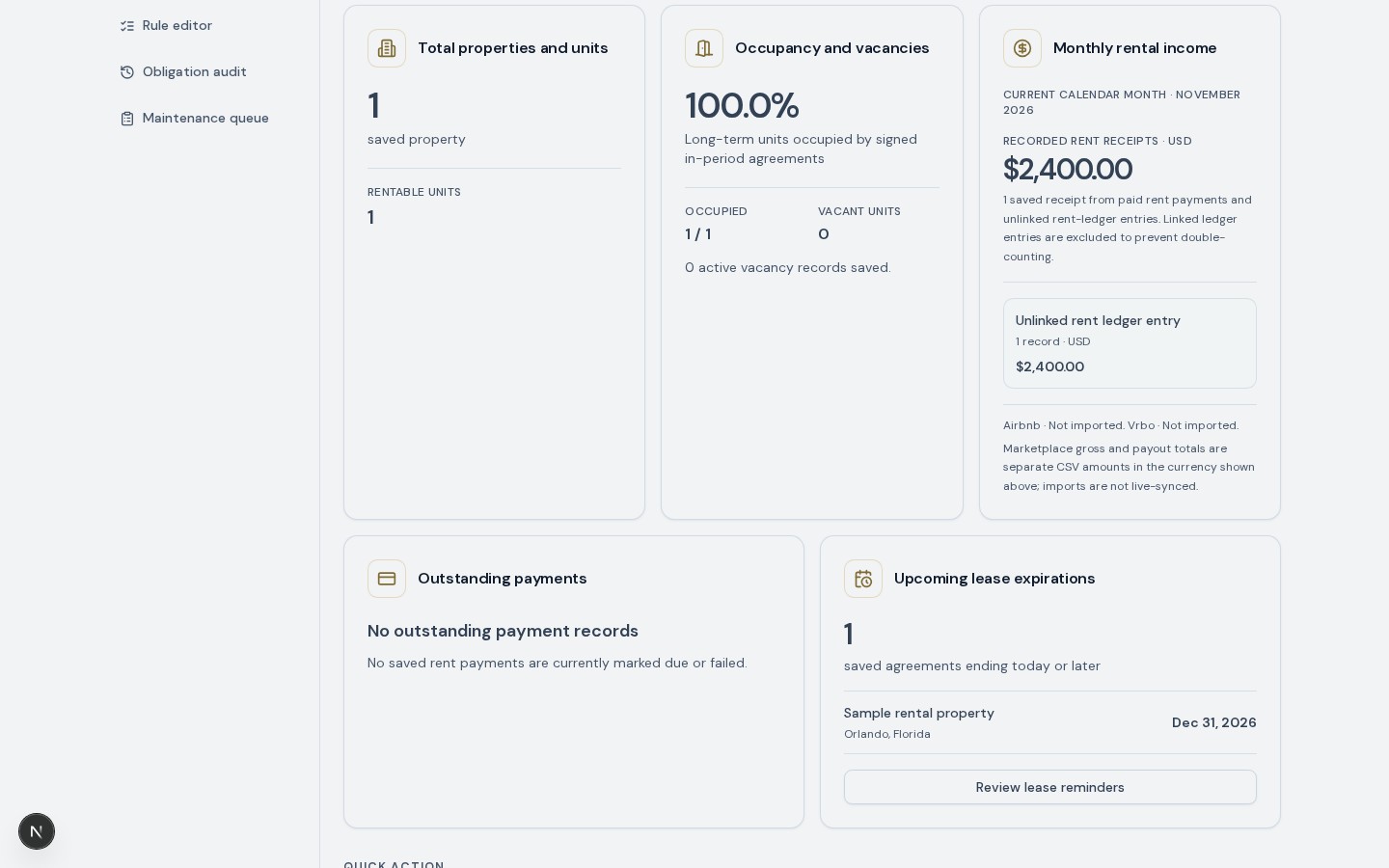
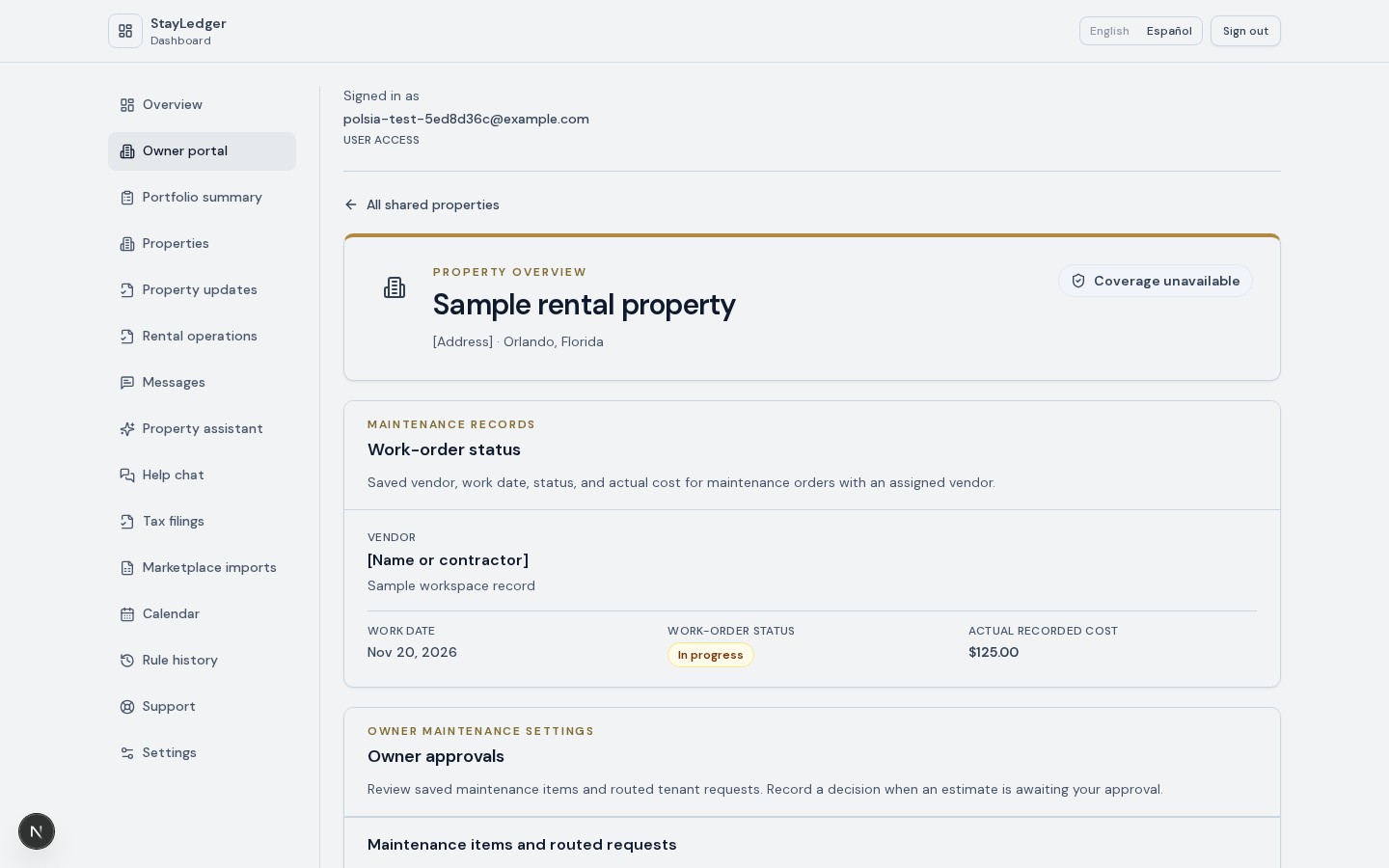
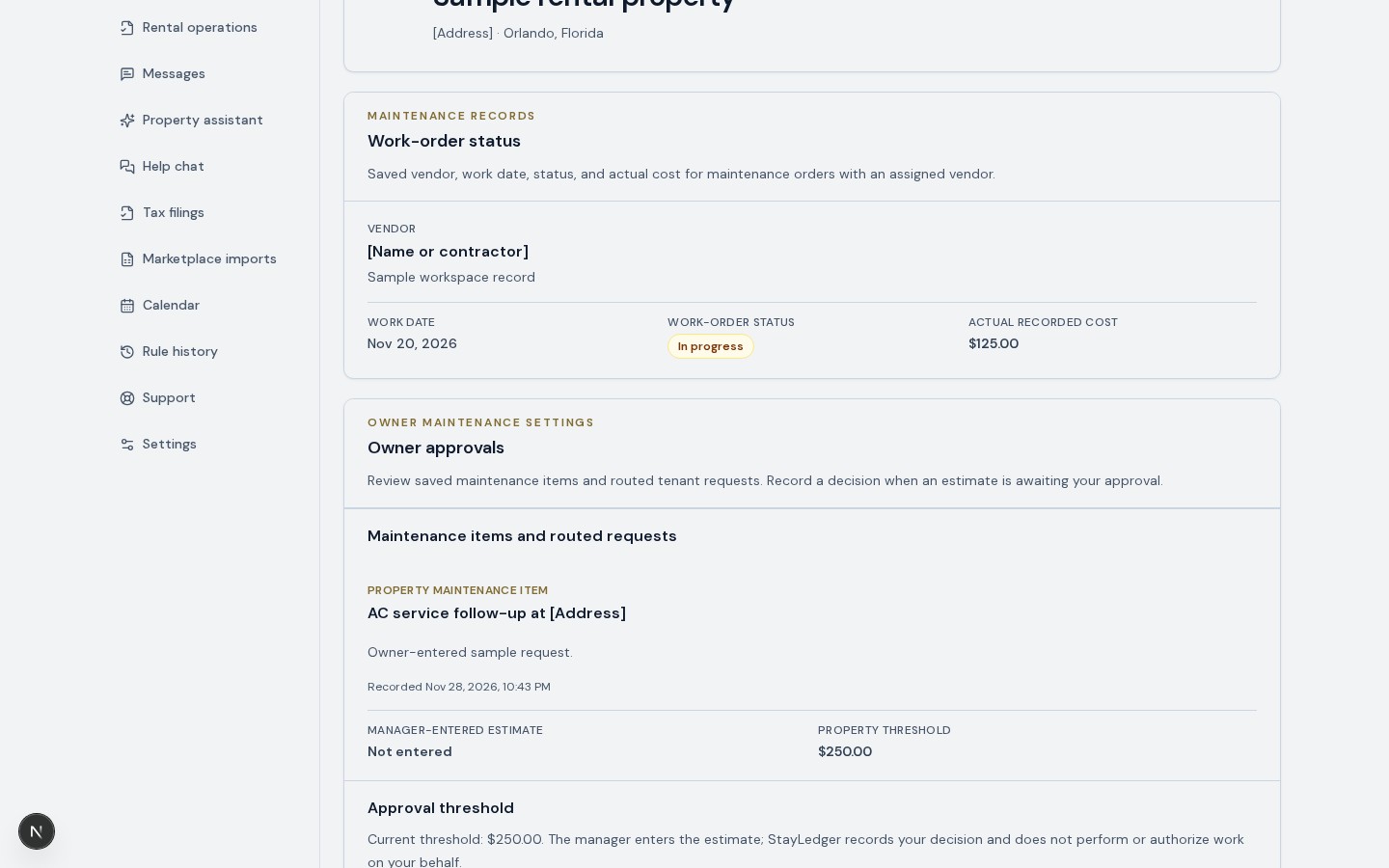
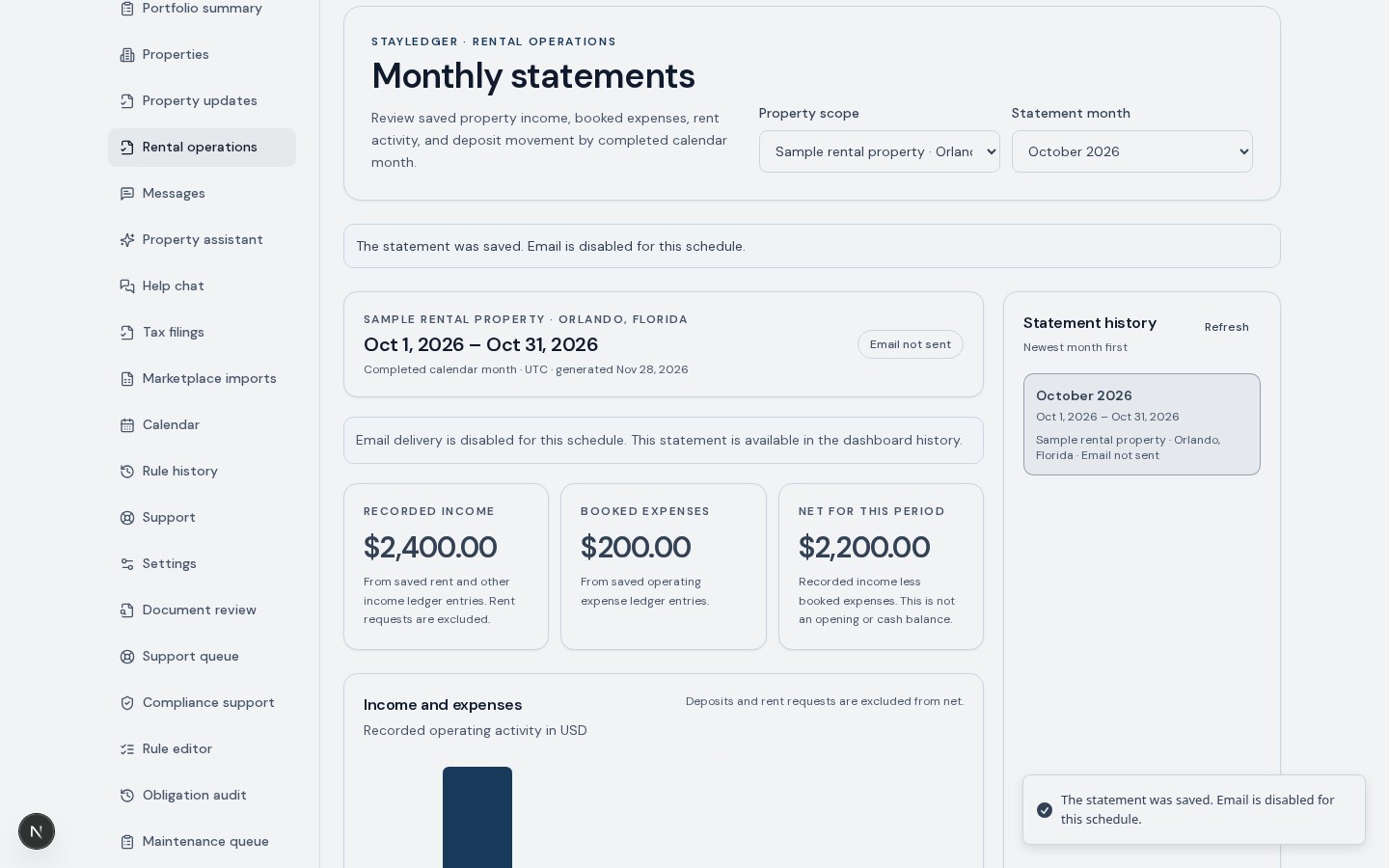
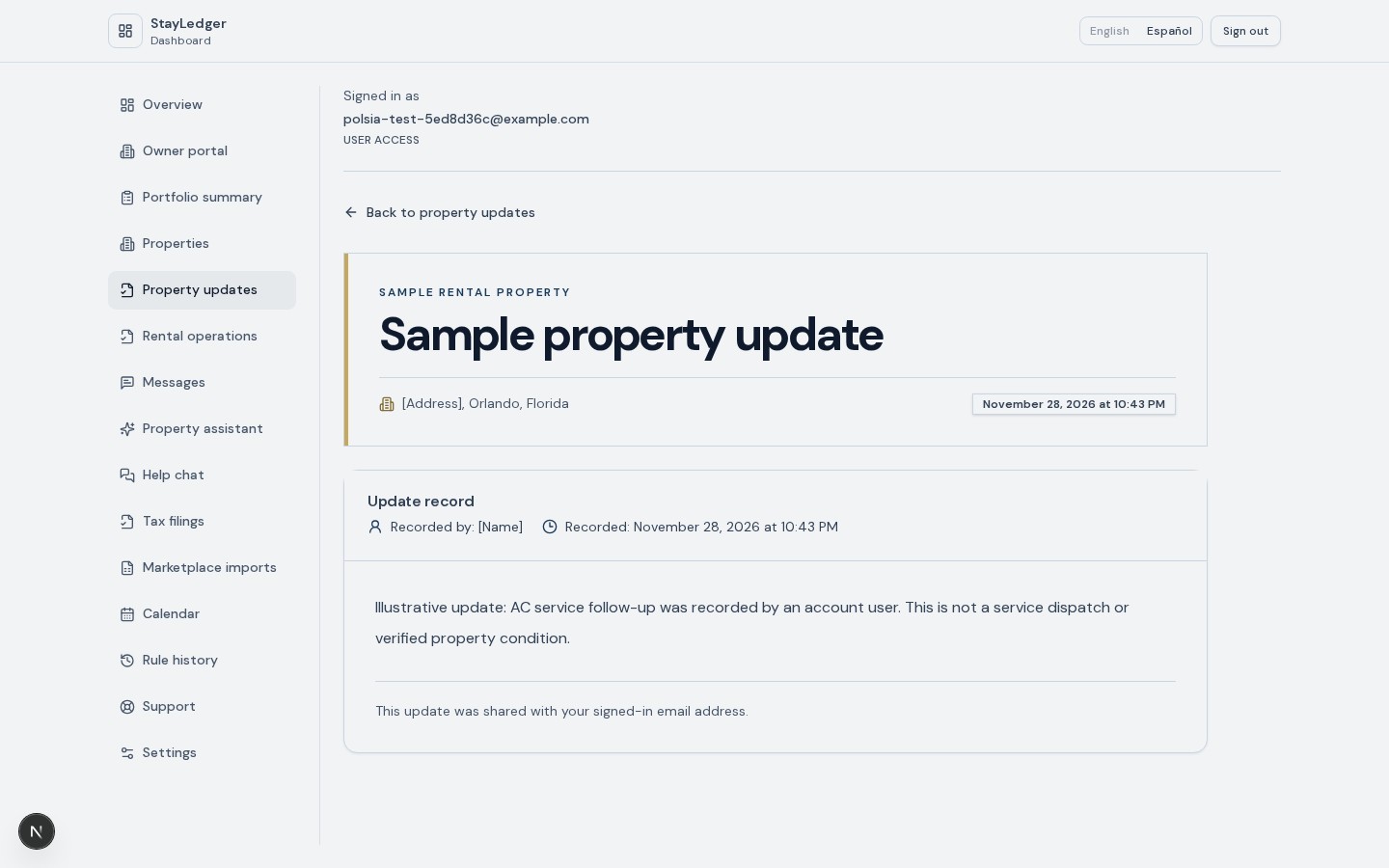
These are captures of real StayLedger screens. The records shown are synthetic examples, not customer records or endorsements.
Short walkthrough: Start at the property dashboard, open a property’s records, review a maintenance update, check the owner-entered financial summary, then see the selected updates available to its invited owner.
A practical example
Illustrative example: an owner records a roof inspection, stores the report with the property, and adds a follow-up date to the calendar.
Questions and answers
Do I need to rent the home?
No. StayLedger can help organize a home record even when the property is not rented.
Does StayLedger inspect or monitor the home physically?
No. It organizes information entered by people; it does not independently detect activity or conditions at the property.